What each format keeps
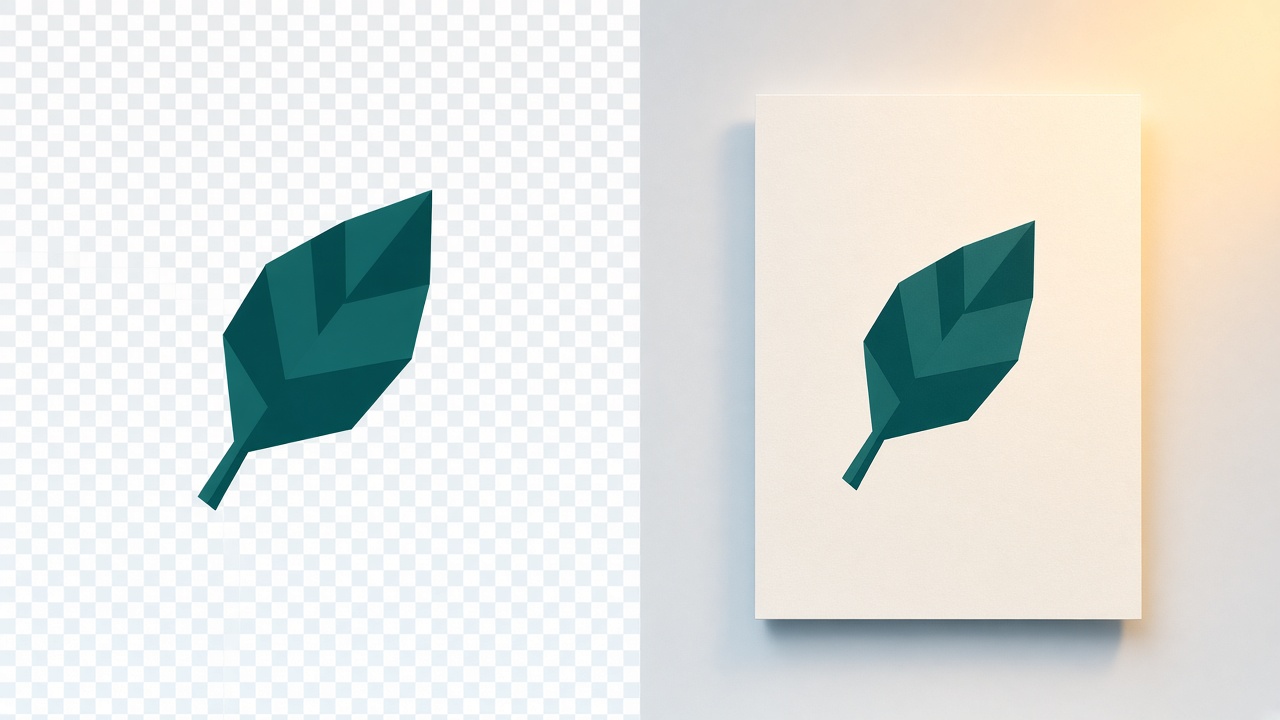
PNG is lossless. The pixels you save are the pixels you get back, and a PNG can include a transparent background. That is why logos, screenshots, and interface graphics are often PNG.
JPG, also written JPEG, is lossy. The encoder throws away detail it thinks you will not notice, which is why a photograph becomes a much smaller file. JPEG has no alpha channel, so it cannot store transparency. JPG and JPEG are the same format; the extra E is just a longer name for the same file.
When a JPG is the better file
Use JPG for photographs you need to email, upload to a form, or print somewhere that refuses PNG. A camera picture is already full of gradual color, so JPEG compression usually looks fine.
- Photographs and scans of photos.
- Email attachments and older content systems that only accept JPEG.
- Any picture where a transparent background does not matter.
When a PNG is the better file
Use PNG when the edges have to stay sharp or the background has to stay see-through. Text, diagrams, and logos pick up fuzzy halos if you squeeze them through JPEG.
- Logos and icons with a transparent background.
- Screenshots and UI graphics with flat color and text.
- A master copy you will edit again. PNG will not add another generation of JPEG artifacts.
What happens to a transparent PNG
JPEG cannot keep the transparent pixels. On ConvertWarp, PNG to JPG draws the image onto a white background and then saves the JPEG. A logo that floated on a checkerboard will sit on white in the JPG.
If you still need that see-through background, do not convert to JPG. PNG to WebP keeps the alpha channel. Keeping the original PNG is the other honest option.
What the conversion will not do
The file stays in your browser. Nothing is uploaded. The page refuses a file over 50 MB or 32 megapixels so the tab is less likely to run out of memory. A very wide or tall picture may be scaled down to the longest edge the browser can draw, 8192 pixels, or 4096 on older iOS. An animated PNG becomes one still JPEG, not a sequence.
Turning a JPG back into a PNG with JPG to PNG does not restore the detail JPEG removed. The PNG is just a lossless copy of the pixels you already have, and it is usually larger.
More guides
- How to remove a photo background
17 November 2026
- How to reduce image file size without losing too much quality
12 November 2026
- HEIC vs JPG: why iPhones use HEIC
12 November 2026